Turn business data into useful insights with Whitecap’s Power BI consulting, report development, data modelling, integration and ongoing support.
Microsoft Power BI helps organizations connect, analyze and visualize data so people can make better-informed decisions. As part of both Microsoft Power Platform and the broader Microsoft Fabric analytics platform, Power BI has evolved beyond dashboards into an enterprise business intelligence platform that brings together governed data, semantic models, interactive analytics and AI-powered insights.
Whitecap helps organizations design, develop and implement Power BI solutions that turn disconnected business data into useful, accessible information. From executive dashboards and operational reporting to enterprise analytics integrated with Microsoft Fabric, we build Power BI solutions around your data, processes and decision-making needs.

What can you do with Power BI?
What Can You Do With Power BI?
Power BI enables organizations to bring information from different systems together, create a consistent view of business performance and make analytics available to the people who need it.
With Power BI, organizations can:
-
Connect data from multiple sources
Bring together information from databases, Excel, cloud applications, ERP and CRM platforms, Microsoft services and other business systems.
-
Build interactive reports and dashboards
Replace static reports and spreadsheets with visual, interactive analytics that users can filter, explore and drill into.
-
Create consistent semantic models
Establish common business definitions, relationships, calculations and metrics so teams work from consistent information.
-
Enable self-service analytics
Give business users greater ability to explore data without relying on IT to create every individual report.
-
Use AI to explore data
Use Copilot in Power BI to ask questions, summarize information, assist with analysis and accelerate report creation.
-
Share insights across the organization
Publish reports and analytics through the Power BI service and make information accessible to authorized users.
-
Embed analytics into business applications
Integrate Power BI reports and visualizations directly into the applications and portals employees or customers already use.
Power BI Development Services
Power BI Development Services
A successful Power BI implementation requires more than creating attractive dashboards. The underlying data, semantic models, security, governance and architecture determine whether users can trust and effectively use the information they see.
Whitecap provides end-to-end Power BI consulting and development services, including:
-
Power BI Strategy & Solution Planning
We help define what information users need, identify meaningful KPIs and reporting requirements, assess available data sources and determine the appropriate architecture for your Power BI solution.
-
Power BI Dashboard & Report Development
We design and develop interactive Power BI reports and dashboards tailored to specific audiences, from executive-level performance reporting to detailed operational analytics.
Reports can incorporate filters, drill-through, navigation, mobile layouts and other interactive capabilities that allow users to move beyond static reporting and explore the information behind the numbers.
-
Data Integration & Preparation
Business data often lives across multiple systems and needs to be prepared and validated for reliable reporting. We connect Power BI with cloud and on-premises sources, including databases, ERP and CRM systems, Dynamics 365, Dataverse, Azure and Microsoft Fabric. We cleanse, transform and structure data for reporting and analysis.
We also help identify discrepancies, validate key measures and establish consistent business definitions to ensure reports are accurate, reliable and trusted.
-
Data Modelling & Semantic Models
Reliable business intelligence depends on a well-designed data model. We design Power BI semantic models that establish relationships, measures, calculations and business logic so reports use consistent definitions and users can more confidently interpret their data.
Strong semantic models are becoming even more important as organizations introduce AI because they provide trusted business context that Copilot and other AI experiences can use when answering questions about organizational data.
-
Power BI Integration & Embedded Analytics
Power BI does not have to operate as a standalone reporting environment. We can integrate Power BI reports and analytics into Microsoft Power Platform solutions, Dynamics 365, SharePoint and custom business applications, giving users access to relevant information within the systems and workflows they already use.
Power BI Embedded can also bring interactive analytics into customer-facing applications, portals and other digital products.
-
Power BI Security & Governance
As analytics becomes more widely available, organizations need to balance accessibility with appropriate control.
We can help configure workspaces, permissions, row-level security and governance practices to ensure users have access to the information they need while sensitive business data remains appropriately protected.
-
Power BI Optimization & Modernization
Existing Power BI environments can become difficult to manage as reports, models and data sources grow.
We can review and improve existing Power BI solutions, including data models, report performance, refresh processes, architecture, usability and governance. We can also help organizations determine when an existing Power BI environment could benefit from deeper integration with Microsoft Fabric.
-
Training & Ongoing Support
After deployment, we can provide training and ongoing technical support to help users adopt Power BI, maintain reports and models, introduce new data sources and evolve the solution as business requirements change.
Power BI & Copilot
AI is changing how people interact with business intelligence.
Copilot in Power BI provides natural-language experiences that can help users explore and understand their data and help report creators work more efficiently. Depending on the Power BI experience, licensing and configuration, Copilot can help users ask questions about data, summarize reports, identify relevant insights and assist creators with tasks such as generating report pages and DAX queries.
But effective AI analytics still depends on the quality and structure of the underlying data.
Microsoft recommends preparing semantic models for Copilot so AI has appropriate business context and can produce more useful responses. That makes data modelling, clear business definitions, governance and data quality increasingly important parts of a modern Power BI implementation.
Whitecap helps organizations build the data foundation needed to take advantage of Power BI’s evolving AI capabilities. We assess data readiness, security, licensing and capacity requirements, administrator settings and expected usage to determine if and how best to implement AI features like Copilot.
Power BI & Microsoft Fabric
Power BI is now a core component within Microsoft Fabric, Microsoft's end-to-end data and analytics platform.
Fabric extends the analytics environment beyond business intelligence by bringing together capabilities for data integration, data engineering, data warehousing, real-time intelligence, data science and Power BI, with OneLake providing a unified data foundation.
For organizations with more complex analytics requirements, this means Power BI can become the business intelligence and visualization layer of a much broader data architecture.
Instead of moving information through disconnected reporting processes, organizations can use Fabric to consolidate and manage data and make that governed information available to Power BI for reporting and analysis.
Power BI can also use Direct Lake with Fabric, allowing semantic models to work directly with data stored in OneLake and providing an architecture designed for high-performance analysis of large data volumes.

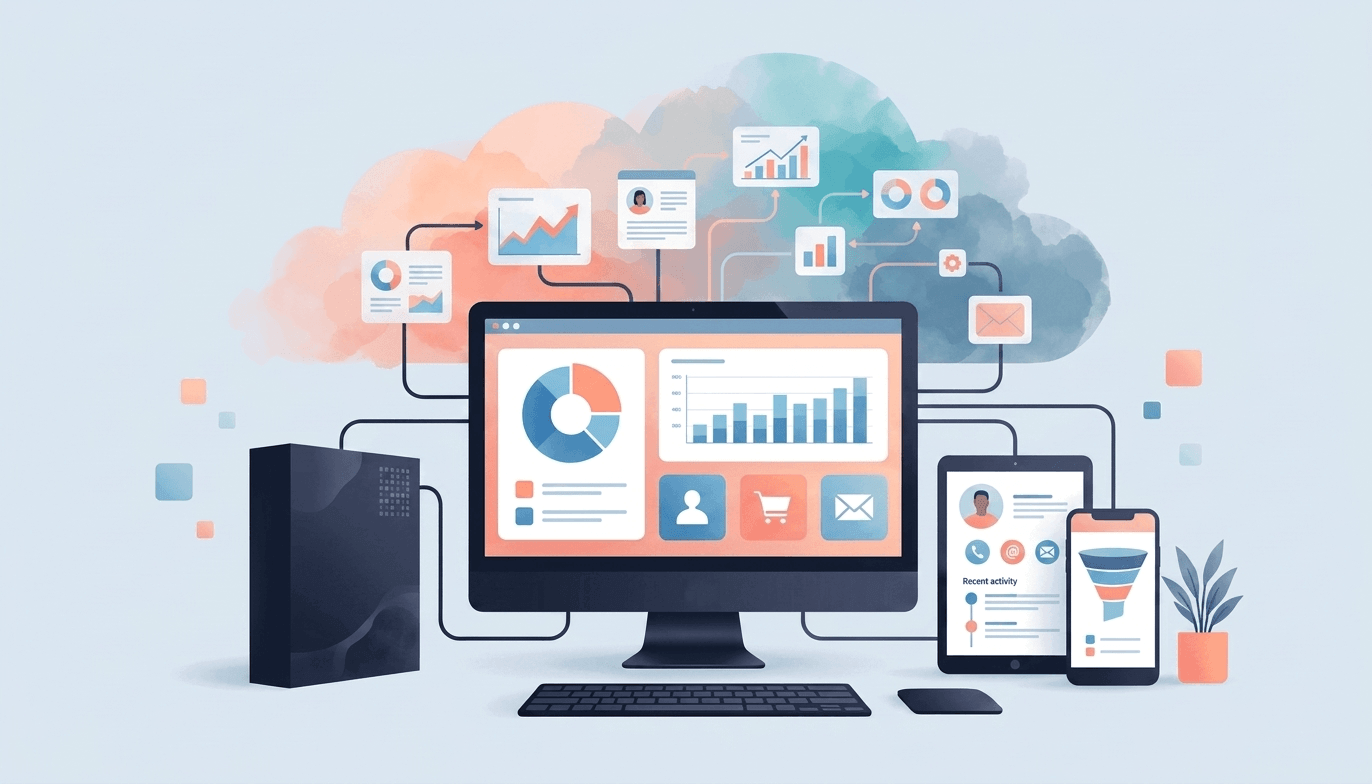
From Dashboards To Modern Analytics
The right approach depends on your existing environment and what you're trying to achieve.
For some organizations, that may mean connecting Power BI directly to existing business systems. For others, it may mean consolidating data within Microsoft Fabric and OneLake before delivering governed semantic models and Power BI reports across the organization.
Whitecap can help determine an appropriate architecture based on your data sources, reporting requirements, performance needs, security requirements and future plans for analytics and AI.
Microsoft Power Platform
Power BI is part of Microsoft Power Platform, bringing business intelligence and analytics together with applications, automation and AI.
Solutions can combine Power BI, Power Apps, Power Automate, Power Pages and Microsoft Copilot Studio, with Dataverse supporting connected business data and Microsoft Fabric providing a broader foundation for enterprise analytics and AI-powered insights.

Power BI Development in Practice

Whitecap helped Lawrie Insurance Group transform insurance reporting by integrating Applied Epic data with Power BI. The new reporting environment automated previously manual processes, reduced month-end reporting time by approximately 50% and provided management with more timely access to business information.

Whitecap created reports for student analysis and academic reporting, leveraging their existing on-premise SQL Server as the main data source. Currently, Whitecap is spearheading the effort to transition Appleby College to use Fabric, beginning with creating the end-to-end architecture for their Student Wellbeing and Engagement data. The aim is to prepare Appleby College to a more modernized analytics and BI environment that is ready for AI i.e. Ontology, Natural Language Query / Data Agents.

Whitecap developed and executed the solution architecture for the company’s Power BI end-to-end solution. The architecture transforms their manual Excel reporting into a fully automated one leveraging their Applied Epic datalake, and integrating it to Power BI by establishing Azure Data Factory pipelines that pulls the data from the datalake into an analytics-centric Azure SQL Server.